Changelog
Short notes on what shipped.
RSSChanged
- The chart library moved into the Blocks section: all 22 chart types are now live specimens on one page, each with its variants on pills and its source a click away. Old /charts links redirect to their anchor.
- A chart no longer gets a page of its own — it sits beside the blocks it belongs in, with the usage line and the gotchas that used to live above its examples kept under the stage.
New
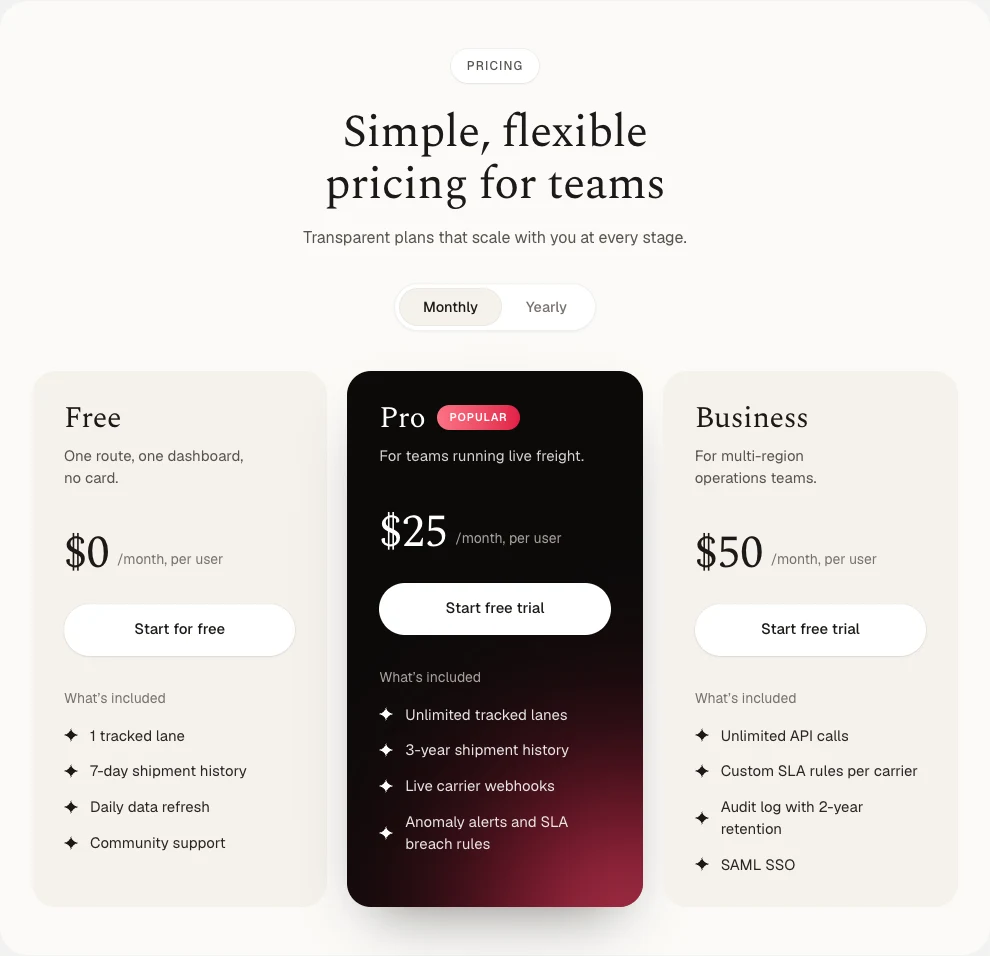
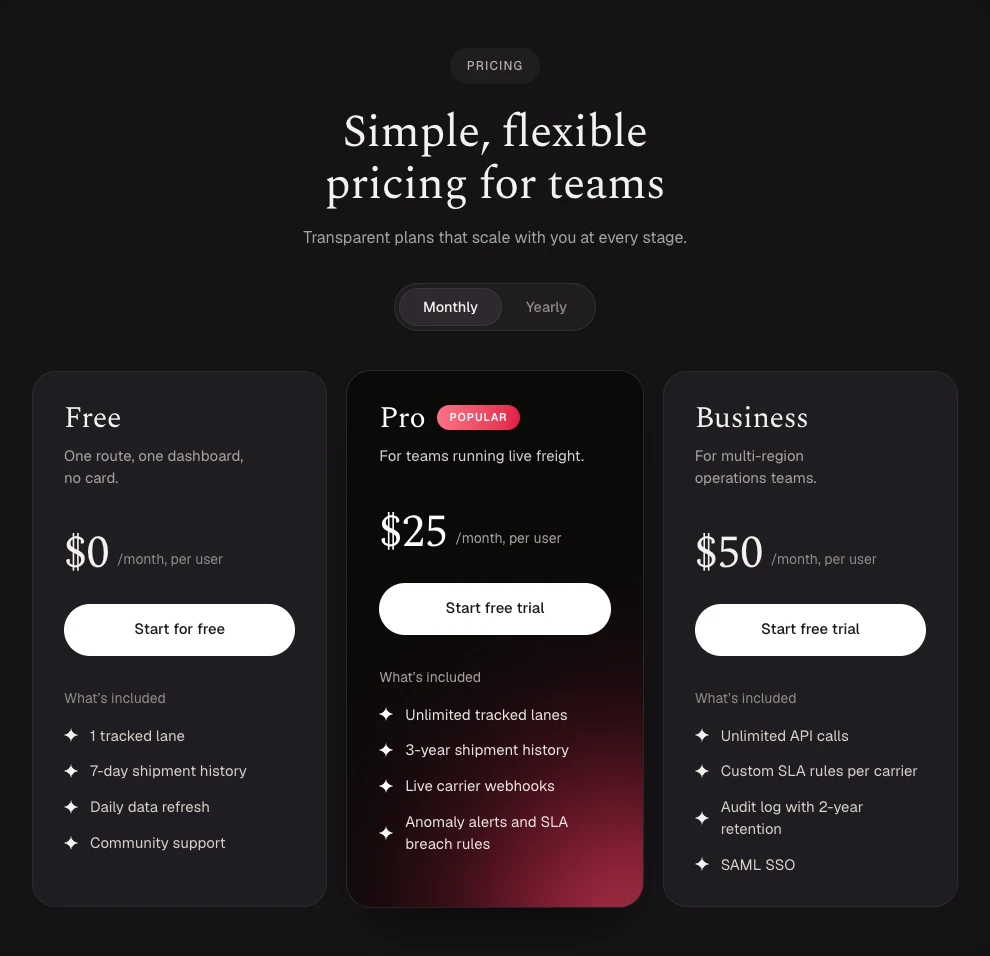
- 7 Pricing blocks — a serif panel grid, pastel gradient cards, a comparison matrix, a Swiss table with crop marks, cream cards with a glowing plan, a brutalist banner table and thermal receipts, all live on one page.
- Every block themes for light and dark, rolls its prices on the billing toggle, and sizes off its own width — so it stays right in a narrow column, not just at full bleed.
Improvements
- Blocks moved onto the docs layout: a collapsible rail to switch categories and a wider column, so a page-width section is shown page-width.
New
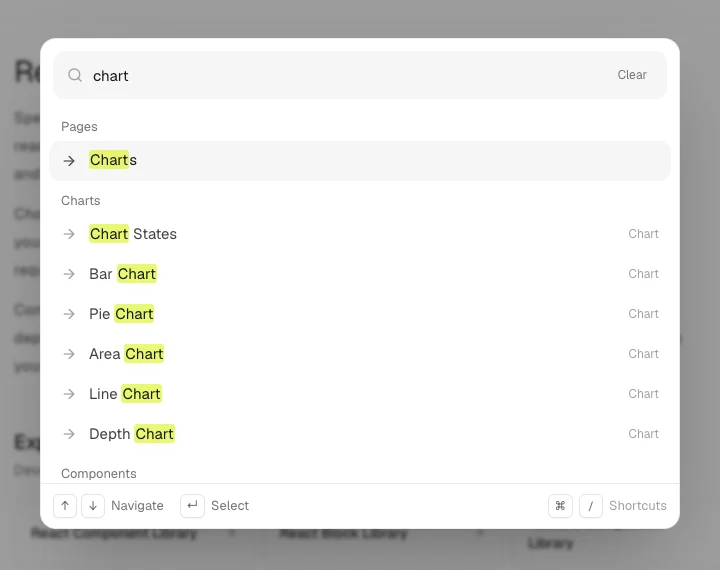
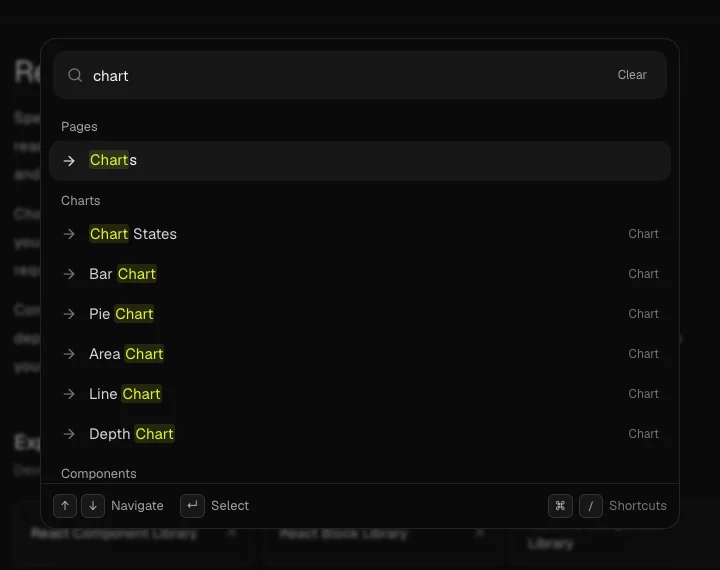
- A command menu on every page: press ⌘K to search all 44 components, every block, chart, guide and post at once, with the matched text highlighted. ⌘↵ on a result copies its install command.
- ⌘/ lists the shortcuts, ⌘⇧L flips the theme, and typing > shows commands only. The X, GitHub and LinkedIn handles are in there too.
New
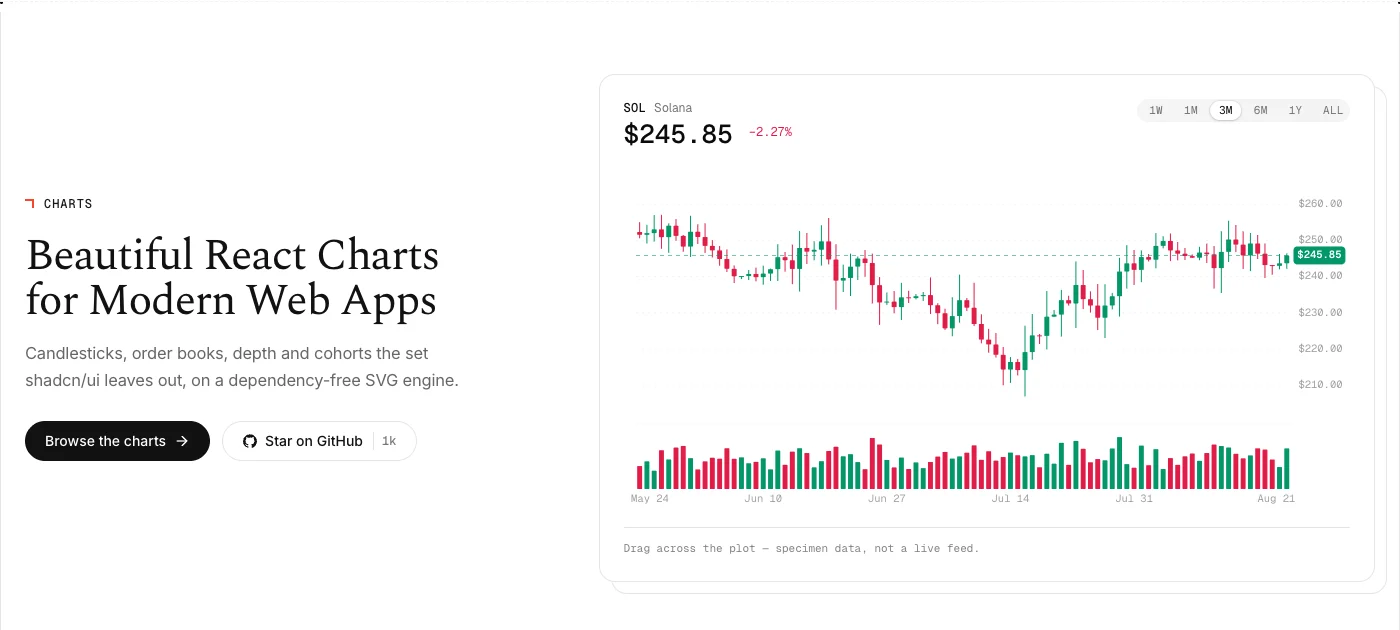
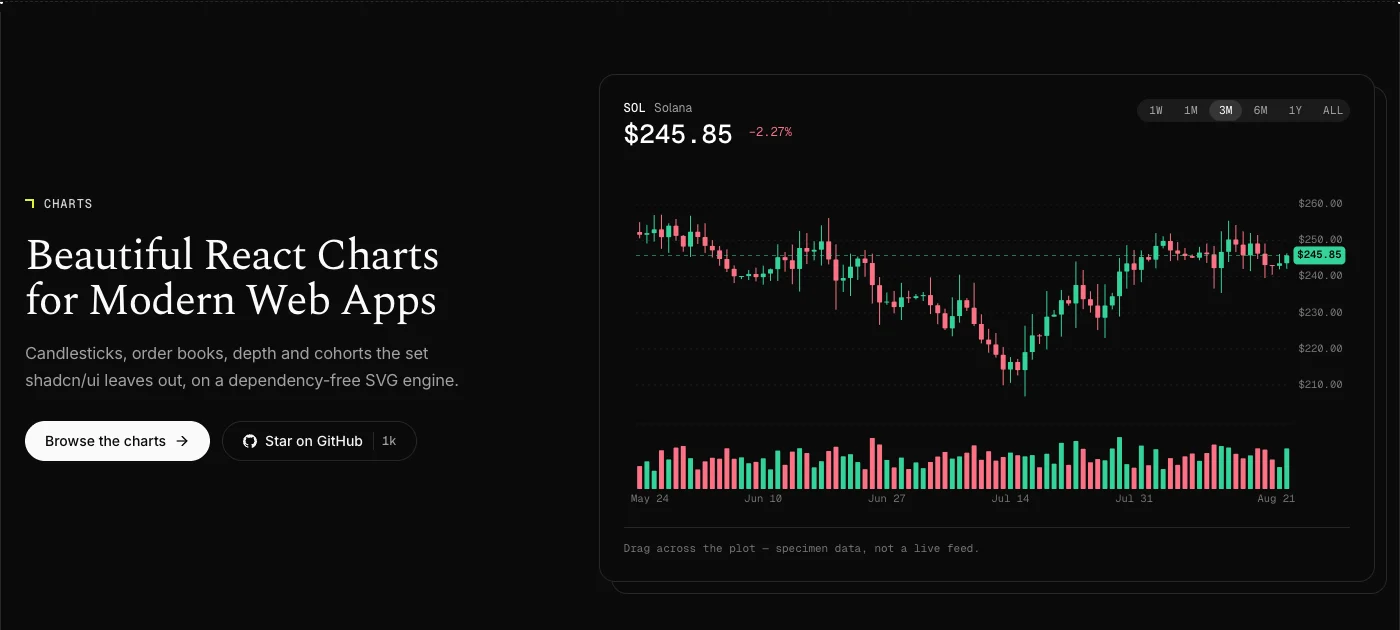
- Spectrum Charts — candlesticks, order books, depth, cohort retention and calendar heatmaps: the set shadcn/ui leaves out, not another re-skin of the defaults.
- Each chart installs with the shadcn CLI and arrives as editable source, like every other Spectrum component.
New
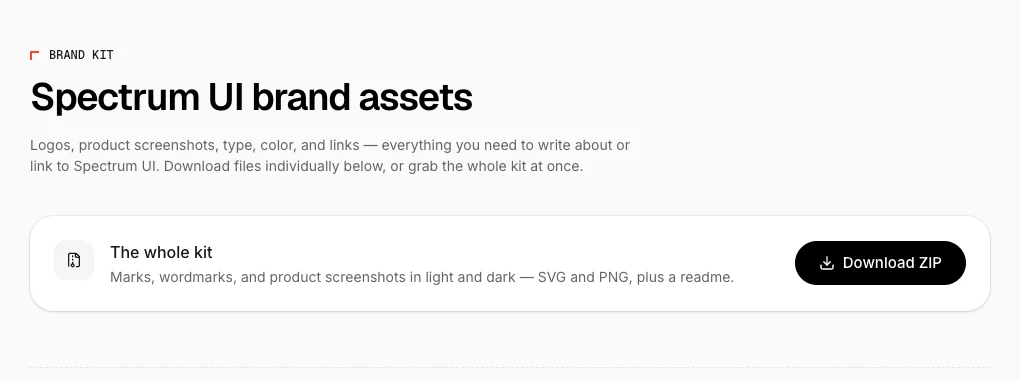
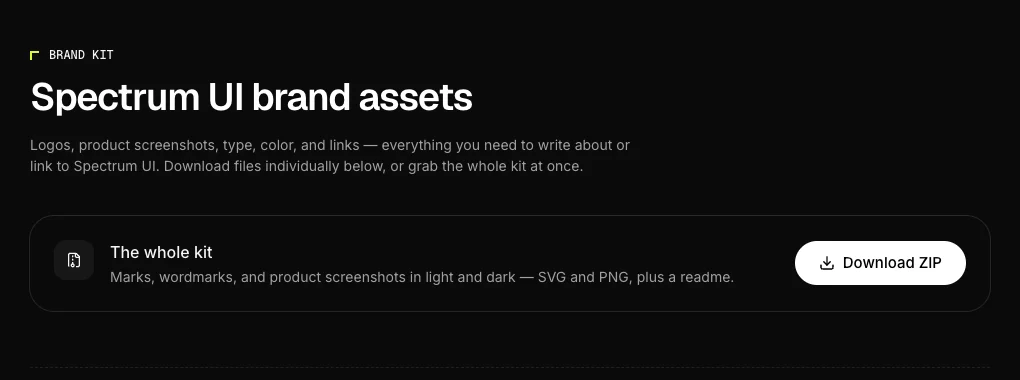
- /brandkit: marks, wordmarks, type specimens, copyable brand colors and press-quality product screenshots — one at a time, or the whole kit as a ZIP.
- The assets are generated from the canonical logo glyph, so what you download can’t drift from what the site renders.
Improvements
- The site runs on Next 16, React 19 and Tailwind v4 — CSS-first theming, ESLint 9, TypeScript 5.9 and a single lockfile.
- 78 files and 38 packages with no path in the import graph are gone. No routes, pages or components were removed.
New
- 27 AI Assistant blocks — streaming text, reasoning traces, agent steps, voice input and more, each running live on one page.
- Every block installs three ways from its code drawer: the shadcn CLI, an MCP prompt, or the raw source.
Shipping0.0s
Portside is thinking
Tap to speak
Improvements
- The MCP server can see every component again — its index had drifted 38 items behind the CLI. A parity test now fails the build if they ever diverge.
- Fixed five installs that were broken in production, each verified end to end.
spectrum-ui — zsh
npx shadcn@latest add @spectrumui/agent-stepsNew
- The card page was rebuilt as 50 production-ready cards — the code you copy is always the code that renders.
- /llm-info: the library’s facts in plain text, for AI assistants that read pages instead of browsing them.
pricing-card.tsx
export function PricingCard({ plan }: { plan: Plan }) {
return (
<Card className="w-[320px]">
<CardHeader>
<CardTitle>{plan.name}</CardTitle>
<CardDescription>{plan.tagline}</CardDescription>
</CardHeader>
<CardContent>
<span className="text-3xl font-semibold">{plan.price}</span>
Improvements
- The blog moved to a centered reading view with richer covers and reader highlights.
- The auth gate now matches the sign-in design, so hitting it mid-flow no longer feels like leaving the site.
Improvements
- The catalog was corrected to the 44 components the library actually ships, with New badges restored.
- Twelve topic hubs now connect related components, with comparison pages against other libraries.
New
- The Spectrum UI MCP server: one config line, and Cursor, Claude Code, or Windsurf can install any component by name.
spectrum-ui — zsh
claude mcp add spectrum-ui -- npx -y @spectrumui/mcp